Picture in Picture in Chrome: How to Keep Watching While You Work
Picture-in-picture floats a video in a small window above everything else. Here is how to use it in Chrome, Edge, Brave and Opera, with fixes when it will not start.

Indice
01How to use picture in picture in Chrome02What you can do in the floating window03Picture-in-picture in BetterStream04When picture-in-picture does not work05Tips for working with PiP06Is picture-in-picture the same as a pop-up player?Picture-in-picture (PiP) takes the video out of the page and puts it in a small floating window that stays on top of everything: other tabs, other apps, even full-screen documents. You can move it to any corner, resize it, and keep watching while you write, browse or study.
Chrome has supported picture in picture for videos since 2018, and Edge, Brave and Opera, which share the same engine, support it too.
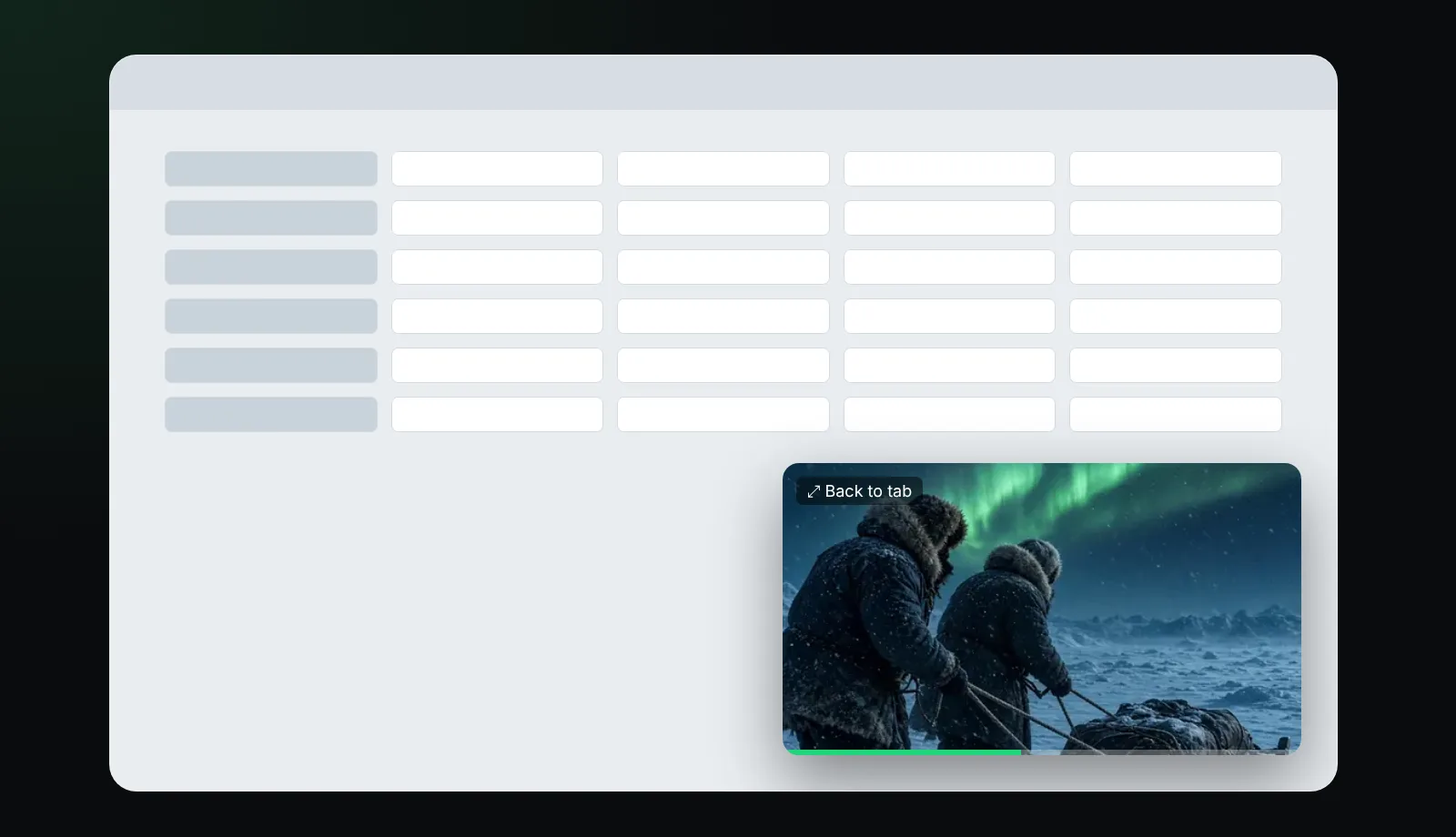
How to use picture in picture in Chrome
There are three ways, depending on the site:
- The player's own button. Many players, including BetterStream, have a picture-in-picture button next to full screen. Click it and the video pops out.
- The media controls in the toolbar. When a tab plays video, Chrome shows a media icon at the top right. Open it and choose the picture-in-picture button.
- The right-click menu. On many sites, right-click the video twice to get the browser's own menu, then choose Picture in picture.
To go back, click the button in the floating window that returns to the tab, or close the window.
What you can do in the floating window
- Move it by dragging and resize it from a corner.
- Play and pause, and on many sites skip forward or back.
- Return to the tab with one click.
- It stays on top when you switch apps, so you can follow a match, a lecture or a recipe while doing something else.
Picture-in-picture in BetterStream
In the BetterStream player, picture-in-picture is one press away: use the PiP button in the player controls, or the keyboard shortcut shown when you press ?. It works with everything you play, from M3U playlist channels to HLS and DASH streams and direct video links. Your subtitles, chosen quality and position carry on in the floating window, and when you close it the player continues where you left off.
Want to keep a live channel in the corner? See how to set up channels in our M3U player guide.
When picture-in-picture does not work
| Problem | Try this |
|---|---|
| No PiP option anywhere | Update the browser; very old versions lack it |
| The site's player hides the option | Use the media controls in the toolbar instead |
| The option is greyed out | The site has disabled PiP for that video |
| The window is black | Some protected (DRM) videos block PiP |
| Nothing happens on a work computer | An administrator policy may have switched PiP off |
Extensions that block scripts can also interfere; try the video with them paused.
Tips for working with PiP
- Put the window in a corner your work does not use, such as bottom right.
- Make it a little bigger than the default if you need subtitles; the text scales with the window.
- On a laptop, combine PiP with a split view for notes.
Is picture-in-picture the same as a pop-up player?
Not quite. A pop-up player is a separate browser window, which other windows can cover. Picture-in-picture is managed by the operating system and always stays on top.
Frequently asked questions
Does Chrome have picture-in-picture?
Yes. Chrome supports picture-in-picture for HTML5 video on Windows, macOS, Linux and ChromeOS.
Do I need an extension for picture-in-picture in Chrome?
Not for most sites. An extension helps when a site hides the option, and a player like BetterStream includes a PiP button for everything it plays.
Can I use picture-in-picture with subtitles?
Yes. Subtitles drawn by the player are shown inside the floating window in BetterStream.
Why is the picture-in-picture window black?
The video is likely protected by DRM, or the site has disabled PiP for it.
More player tips in the help center and in best font for subtitles.